Mobile Banking App Features That Improve the User Experience
A well-designed mobile banking app helps you check balances, pay bills, move money, and protect your account without making routine tasks feel complicated. The strongest experiences pair clear information and dependable tools with practical security, so you can handle everyday banking with confidence.
What Makes a Mobile Banking App Easy to Use?
A mobile banking app is easy to use when common tasks are clear, quick to complete, and reliable. Good user experience (UX) reduces uncertainty: you can find the right account, understand what will happen next, and confirm that a transaction went through.
Start with the basics. Navigation should use familiar labels such as “Accounts,” “Transfers,” and “Payments,” rather than burying essential tools in menus. The app should also show useful instructions and clear confirmation messages. For example, when scheduling a bill payment, it should make the amount, payee, funding account, and delivery date easy to review before you submit.
Speed matters, but predictability matters just as much. A fast app that displays stale balances or gives vague error messages can create more stress than a slightly slower app that communicates clearly. Reliability also depends on the bank’s systems and your internet connection, so an app may not update instantly during an outage or network disruption.
For a practical test, try three tasks before committing: find a recent transaction, locate the card-lock control, and start a transfer without submitting it. If you can do each without guessing, the interface is likely to support everyday use.
Account Dashboards and Real-Time Activity
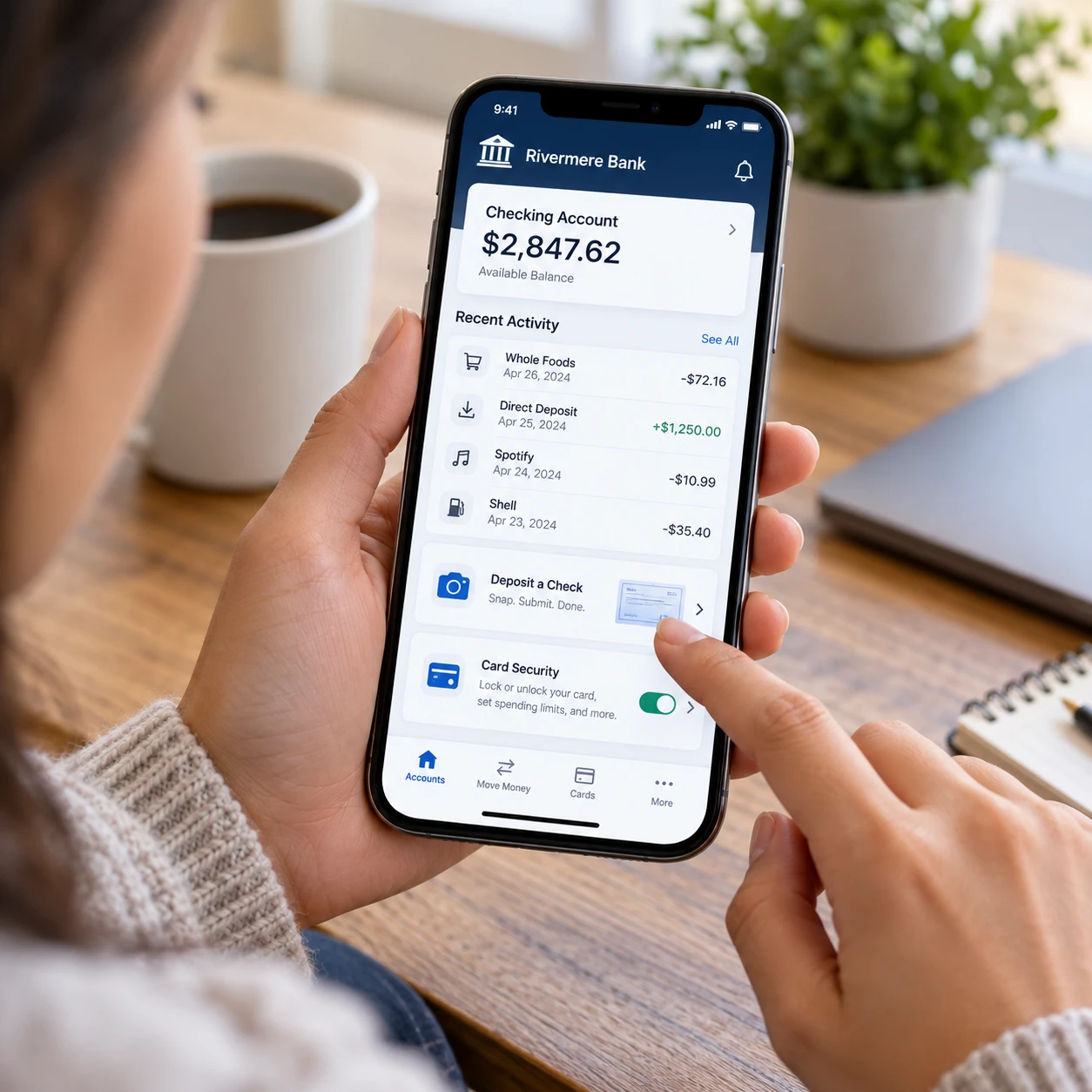
An account dashboard makes banking easier by bringing balances, recent transactions, and key account actions into one view. Transaction alerts add timely context, helping you spot activity and keep track of spending.
A useful dashboard distinguishes between available and current balances. The available balance typically reflects pending transactions or holds, while the current balance may not. Clear labels help prevent confusion when a debit card purchase has been authorized but has not yet posted. For accounts with savings, credit cards, or loans, a well-organized overview can also reduce the need to switch between screens.
Transaction history is most helpful when it includes the date, amount, merchant or recipient, and transaction status. Search and filters can help you find a purchase from last week or review recurring charges. Some apps let you add notes or categorize spending; these tools are useful for personal tracking, though they should not be treated as a substitute for formal accounting records.
Alerts turn the dashboard into an active monitoring tool. You might receive a notice when a purchase exceeds a chosen amount, a deposit arrives, a bill is due, or a balance falls below a threshold. Set alerts for events that require action, and avoid enabling so many that you start ignoring them. Push notifications can be delayed or disabled by phone settings, so check the app directly when a payment needs confirmation.
Everyday Banking Features That Save Time
Mobile check deposit, bill pay, transfers, and peer-to-peer payments let you handle common banking tasks from your phone. Each feature saves a trip or extra steps, but processing times, limits, and eligibility rules can vary by bank.
Mobile check deposit
Mobile check deposit lets you submit a check by photographing its front and back in the banking app. Follow the on-screen instructions, keep the image clear, and confirm the amount before sending it. Banks may set daily or per-check limits and place holds while a deposit is processed. Keep the paper check until the deposit is confirmed, then dispose of it securely according to your bank’s guidance.
Bill pay and transfers
Bill pay can schedule payments to companies, while account transfers move money between eligible accounts. Before confirming, check the payee, amount, funding account, and arrival date. A scheduled date is not always the same as the date a biller receives funds, so leave a buffer before a due date and review the payment status afterward.
Recurring transfers can make saving or covering regular expenses easier. The trade-off is less flexibility: an automatic payment may still run after your balance or circumstances change. Review scheduled payments regularly, especially when changing accounts or canceling a service.
Peer-to-peer payments
Peer-to-peer payments send money to another person, often using a phone number, email address, or payment network. They are convenient for shared expenses, but some transfers are difficult or impossible to reverse once sent. Verify the recipient’s details independently, check the amount, and use these services only with people you know and trust.
Security Features That Build Confidence
Mobile banking security combines login protection, transaction monitoring, and controls that let you respond quickly to suspicious activity. No feature makes an account completely secure, but using several safeguards can reduce common risks.
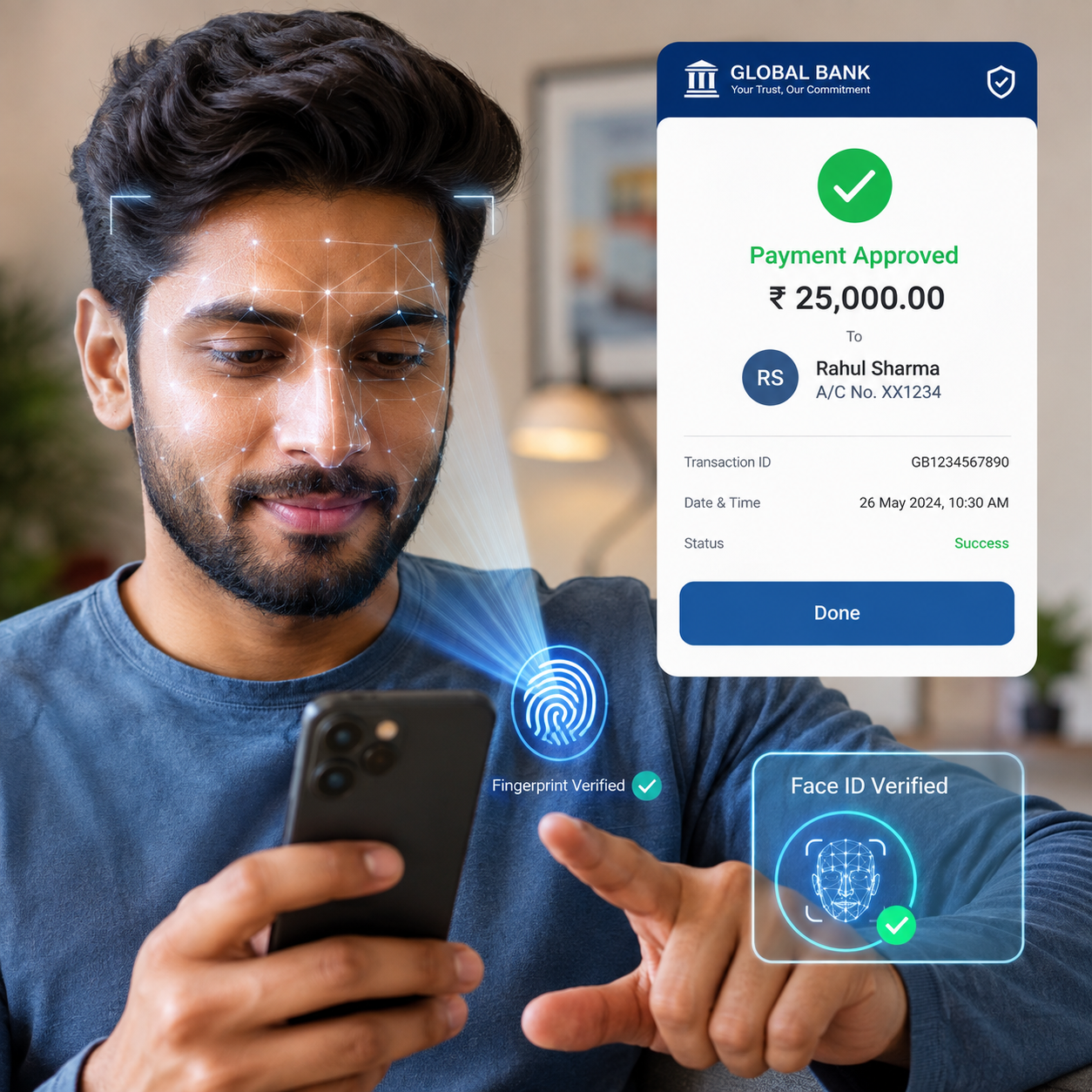
Biometric authentication uses a fingerprint or face scan to unlock the app, where supported. It can be faster than entering a password in public, but it should sit alongside a strong, unique banking password and a secure phone lock. Biometrics confirm access to the device; they do not replace every security check the bank may require.
Two-factor authentication (2FA) asks for a second form of verification, such as an approval prompt or one-time code, in addition to a password. It can make stolen passwords less useful to an attacker. Keep your recovery details current, and never share a verification code with someone who contacts you unexpectedly, even if they claim to represent your bank.
Card controls can let you lock a misplaced debit card, disable certain transaction types, or manage travel settings. These controls are useful when you need a quick response, although locking a card may not stop every transaction already authorized or processed. Security alerts for new logins, transfers, or unusual purchases can provide another early warning. If an alert looks suspicious, contact your bank through a verified number or the app rather than replying to a message.
For broader guidance on protecting personal information, the Federal Trade Commission’s consumer advice offers practical resources. Keep your phone’s operating system and banking app updated, and avoid signing in over public Wi-Fi when you cannot verify the connection.
Personalization and Accessibility
Personalization and accessibility features make a mobile banking app easier to use for people with different preferences, devices, and abilities. Adjustable text, clear contrast, screen-reader support, and flexible alerts can make core banking tasks more comfortable and dependable.
Useful accessibility features include text that scales without hiding buttons, controls with descriptive labels, and screens that work with a device’s screen reader. Sufficient color contrast helps users distinguish balances and status messages, while plain language makes payment instructions easier to follow. These details matter most when a task is time-sensitive, such as locking a card or checking whether a bill has been paid.
Personalization may include choosing which accounts appear first, setting notification preferences, or changing display options. A customizable dashboard can reduce clutter, but it should not make essential tools hard to find. Keep security and payment alerts visible even if you hide less-used account details.
If an app is difficult to navigate with your accessibility settings, try adjusting text size or contrast in your phone settings, then contact the bank to report the problem. An accessible app should support independent use; a workaround should not be the only way to reach a basic banking function.
How to Choose an App That Fits Your Needs
Choose a mobile banking app by testing the tasks you perform most, checking its security and accessibility tools, and understanding its limits. A long feature list matters less than whether the app handles your real banking routine clearly and reliably.
Use this quick evaluation framework:
- Task fit: Can you check balances, search transactions, deposit checks, pay bills, and transfer money in a few clear steps?
- Transparency: Does the app explain fees, deposit holds, payment timing, transfer limits, and transaction status?
- Security: Are biometric login, two-factor authentication, card controls, and useful alerts available?
- Accessibility: Does the app work with larger text and screen readers, and are labels easy to understand?
- Support: Can you find a safe, direct way to contact the bank if a payment fails or your phone is lost?
Test the app on the device and connection you normally use. Look for recent app updates and read reviews for recurring complaints, while treating individual reviews as anecdotes rather than proof. Some banks offer fewer features but present core tasks more clearly; others provide more tools with a steeper learning curve. Choose the balance that suits your needs, and confirm important terms with the bank before relying on a feature for a deadline.
Frequently Asked Questions
Are mobile banking apps safe to use?
Mobile banking apps can be used safely when you install the official app, secure your phone, use a unique password, and enable two-factor authentication where available. Keep software updated and contact your bank promptly if you notice activity you do not recognize. No app can guarantee complete protection.
Which features should I look for in a mobile banking app?
Look for a clear account dashboard, searchable transaction history, transaction alerts, mobile check deposit, bill pay, transfers, peer-to-peer payments if you need them, biometric authentication, two-factor authentication, card controls, and accessibility options.
Can I deposit checks through a banking app?
Many banks support mobile check deposit. You photograph the check in the app and submit it for processing, subject to the bank’s deposit limits, eligibility rules, and hold times. Confirm the deposit status before relying on the funds.
What should I do if I lose my phone?
Use another trusted device or contact your bank through its verified phone number to report the loss and ask about securing app access and payment cards. If available, use your phone’s remote lock or erase feature, change your banking password if you suspect it was exposed, and review recent account activity.