
PayPal, Venmo, and Popular E-Wallets Compared: Which One Should You Use?
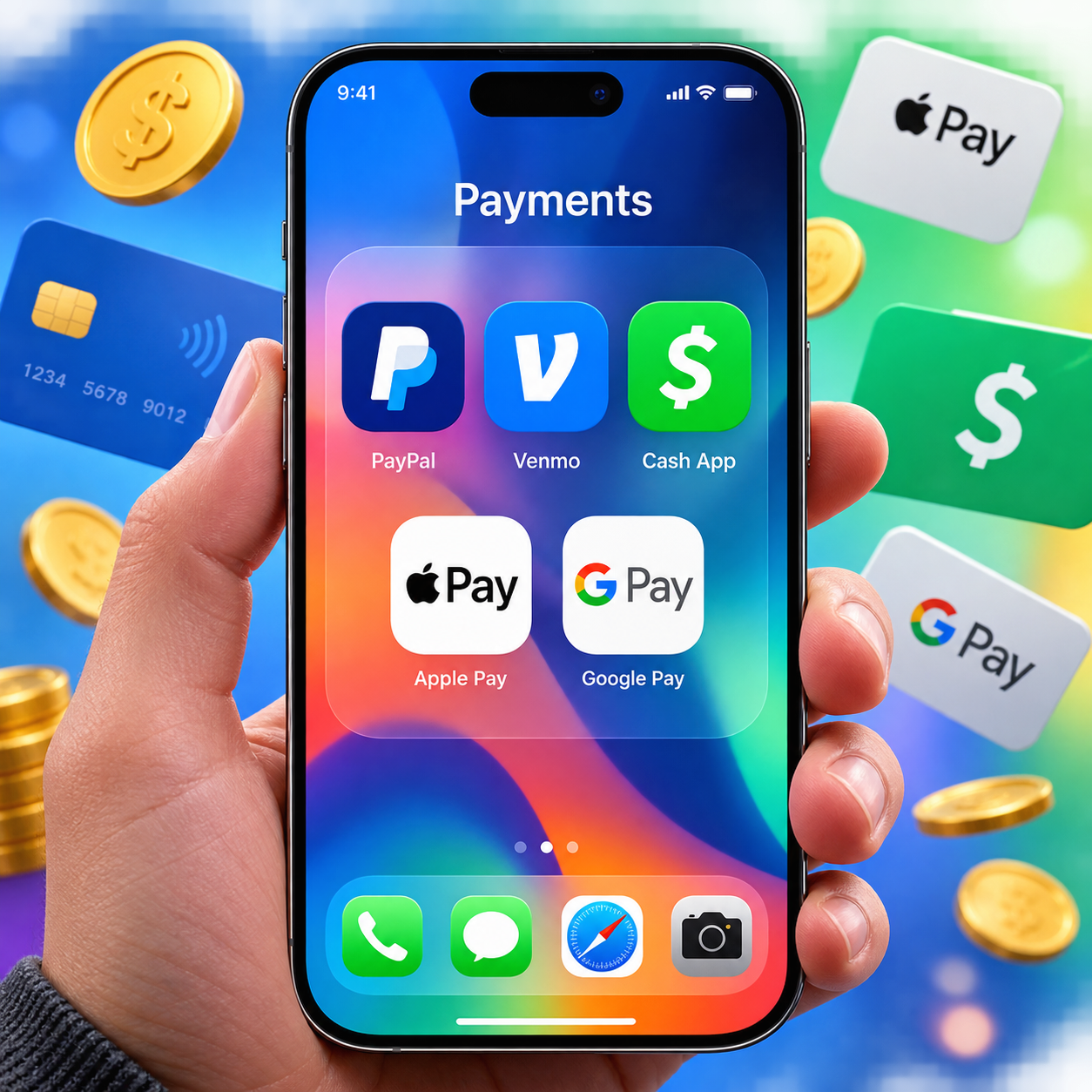
Digital wallets have quietly replaced the cash-and-card routine for millions of people. But with PayPal, Venmo, Cash App, Apple Pay, and Google Pay all competing for space on your phone, picking the right one — or the right combination — isn't always obvious. This guide breaks down each platform honestly so you can make a decision based on how you actually spend and receive money.
What Is an E-Wallet and Why Does It Matter?
An e-wallet is a digital application that stores payment credentials and lets you send, receive, or spend money without a physical card or cash. The platform acts as a secure intermediary between your bank account and whoever you're paying.
The practical appeal is speed. Splitting a dinner bill, paying a freelancer, or checking out at a store can happen in seconds. But e-wallets aren't identical tools — each one was designed with a different primary use case in mind, which is why fees, merchant acceptance, and transfer limits vary so dramatically across platforms.
According to the Federal Reserve's consumer payments research, mobile payment adoption has grown steadily, with younger adults especially likely to use multiple platforms simultaneously. Understanding what each wallet does best is the first step to using them strategically.
PayPal: The All-Purpose Digital Payment Giant
PayPal is the most widely accepted digital payment platform globally, available in over 200 countries and supporting more than 25 currencies. For anyone who shops online frequently, pays international contractors, or runs a small business, it's the default starting point.
Its biggest advantage is merchant acceptance. Tens of millions of online retailers accept PayPal at checkout, and the platform's buyer protection policy gives consumers a meaningful safety net when purchases go wrong. If a seller doesn't deliver, PayPal's dispute resolution process can recover your funds — something peer-to-peer apps rarely offer.
The trade-off is fees. Sending money to friends using a linked bank account is free, but paying with a credit card costs 2.9% plus a fixed fee. Business transactions, currency conversions, and instant transfers to a debit card each carry their own charges. For high-volume sellers, those percentages add up quickly.
PayPal works best for: online shopping with buyer protection, international transfers, and freelancers or small businesses that need to invoice clients professionally.
Venmo: Social Payments Made Simple
Venmo is purpose-built for peer-to-peer payments between people who know each other — splitting rent, covering a friend's coffee, or settling up after a group trip. It's fast, casual, and genuinely fun to use if you're comfortable with its social feed feature.
That social feed is Venmo's defining quirk. By default, transactions (minus the dollar amount) are visible to your contacts. Most users enjoy the social layer; others find it uncomfortable. The fix is simple — set all transactions to private in your account settings — but it's worth knowing before you sign up.
Instant transfers from your Venmo balance to a bank account cost 1.75% (minimum $0.25, maximum $25). Standard bank transfers are free but take 1–3 business days. Sending money to another Venmo user from a linked bank account or existing balance is free.
Venmo has expanded into merchant payments and a physical debit card, but its core strength remains P2P simplicity. It's also worth noting that Venmo is owned by PayPal — both platforms share the same parent company but operate independently with different audiences in mind.
Venmo works best for: splitting everyday expenses with friends and family in the U.S. It's not designed for international transfers or business invoicing.
Cash App, Apple Pay, and Google Pay: The Challengers
Three other platforms round out the major e-wallet landscape, each with a distinct angle on digital payments.
Cash App
Cash App, developed by Block (formerly Square), started as a simple P2P tool but has evolved into a financial ecosystem. Users can receive a free Cashtag payment link, get a free debit card (Cash Card), invest in stocks and Bitcoin, and file taxes — all within one app. Standard transfers are free; instant transfers cost 0.5%–1.75%. Cash App is U.S. and U.K. only, which limits its international usefulness.
Apple Pay
Apple Pay is a contactless payment method built into iPhones, Apple Watches, and Macs. It doesn't hold a balance — instead, it tokenizes your existing credit or debit card and transmits a one-time code to merchants. There are no transaction fees for users. Its limitation is obvious: you need an Apple device. But within that ecosystem, it's one of the most secure and frictionless ways to pay in-store or online.
Google Pay
Google Pay works similarly to Apple Pay but across Android devices and Chrome browsers. It supports contactless in-store payments and online checkout, and it integrates with Gmail for peer-to-peer transfers in supported regions. Like Apple Pay, it adds a security layer by never sharing your actual card number with merchants.
Side-by-Side Comparison: Fees, Limits, and Features
Here's a direct breakdown of the criteria that matter most when choosing a platform:
| Platform | P2P Transfers (Free) | Instant Transfer Fee | International Support | Merchant Payments |
|---|---|---|---|---|
| PayPal | Yes (bank/balance) | 1.75% (max $25) | 200+ countries | Extensive |
| Venmo | Yes (bank/balance) | 1.75% (max $25) | U.S. only | Growing |
| Cash App | Yes (bank/balance) | 0.5%–1.75% | U.S. & U.K. only | Limited |
| Apple Pay | Yes (via iMessage) | None (no balance) | Yes (where accepted) | Contactless & online |
| Google Pay | Yes (varies by region) | None (no balance) | Yes (where accepted) | Contactless & online |
One pattern worth noting: platforms that hold a balance (PayPal, Venmo, Cash App) give you more flexibility but introduce more fee complexity. Apple Pay and Google Pay sidestep that entirely by functioning as pass-throughs for your existing cards.
Security and Buyer Protection: What Each Platform Offers
Digital wallet security is genuinely strong across all major platforms, but the type of protection varies significantly depending on what you're doing with the money.
PayPal offers the most comprehensive buyer protection for purchases. If you pay for goods or services and the transaction goes wrong, you can file a dispute. This protection does not apply to personal payments marked as "friends and family."
Venmo and Cash App are designed for trusted contacts — not strangers. Both companies explicitly warn against using their platforms to pay people you don't know, because personal transfers carry no purchase protection. Sending money to the wrong person is difficult to reverse.
Apple Pay and Google Pay use tokenization, which means your actual card number is never shared with the merchant. A unique, transaction-specific code is generated each time you pay. This makes them highly resistant to data breaches at the merchant level. Your card's existing fraud protection also applies.
All five platforms use encryption and require biometric or PIN authentication. Two-factor authentication is available on PayPal, Venmo, and Cash App and should be enabled immediately after signup. The weakest link in digital wallet security is almost always account access — not the platform's infrastructure.
How to Choose the Right E-Wallet for Your Needs
The right e-wallet depends almost entirely on your primary use case. There's no single best option — but there is a best fit for each situation.
- Splitting bills with friends: Venmo is the easiest choice if everyone's in the U.S. The social interface makes it natural for group expenses.
- Online shopping with protection: PayPal's buyer protection makes it the safest option for purchases from unfamiliar retailers.
- Freelancers and small businesses: PayPal handles invoicing, supports international clients, and is recognized by most platforms. Cash App is a reasonable alternative for domestic-only work.
- In-store contactless payments: Apple Pay or Google Pay, depending on your device. Both are faster and more secure than swiping a card.
- International transfers: PayPal is the most accessible option, though services like Wise may offer better exchange rates for large amounts.
- Investing and financial management: Cash App's built-in stock and Bitcoin features make it the only e-wallet that doubles as a basic investment account.
Using multiple wallets simultaneously is completely reasonable. Many people keep PayPal for online purchases, Venmo for social payments, and Apple or Google Pay for in-store transactions. The apps are free to download, and maintaining a small balance across platforms costs nothing.
The one mistake to avoid: treating any of these platforms as a savings account. Balances in e-wallets are not FDIC-insured in the same way bank deposits are, so keeping large sums parked in an app balance carries more risk than a standard checking account.
Frequently Asked Questions
Is Venmo owned by PayPal?
Yes. PayPal acquired Venmo when it purchased Braintree in 2013. Both operate as separate products with distinct interfaces and user bases, but they share the same corporate parent.
Can I use PayPal internationally?
Yes. PayPal operates in over 200 countries and supports more than 25 currencies. Currency conversion fees apply, typically around 3–4% above the base exchange rate.
Which e-wallet has the lowest fees?
For P2P transfers using a bank account or existing balance, all major platforms are free. Apple Pay and Google Pay have no platform fees at all. Instant transfer fees are lowest on Cash App (starting at 0.5%). PayPal charges the most for credit card-funded payments.
Are digital wallets safe to use?
Yes, when used correctly. All major platforms use encryption and authentication. The main risk is sending money to the wrong person on P2P apps, since those transfers are hard to reverse. Enable two-factor authentication and only send money to people you know and trust.
Can I use multiple e-wallets at the same time?
Absolutely. There's no restriction on using several platforms simultaneously, and many people do. A common setup is PayPal for online shopping, Venmo for splitting costs with friends, and Apple Pay or Google Pay for in-store purchases.