How to Protect Yourself from Online Payment Scams
Online payment scams can target anyone buying from a website, paying an invoice, or sending money to someone they know. Scammers imitate legitimate businesses, banks, and payment platforms to steal payment card details or persuade people to send funds through bank transfers and digital wallets.
A few deliberate checks can reduce the risk. Learn to spot suspicious requests, protect the accounts connected to your money, and know whom to contact if something goes wrong. No payment method can guarantee a safe transaction, and recovery options depend on how you paid and the circumstances.
How online payment scams work
Online payment scams trick you into sharing financial information or sending money to a scammer. They often rely on phishing, spoofed websites, fake checkout pages, or pressure to pay outside a trusted platform.
A phishing email or text may claim that a parcel is delayed, a bank account needs attention, or a payment has failed. The message sends you to a lookalike sign-in page that captures your password or card number. A spoofed website may also copy a real retailer’s branding and checkout flow, then collect payment card details without delivering the goods.
Other scams start on a marketplace or through a seller who asks you to move the conversation and payment elsewhere. Paying outside the platform can remove protections the platform may offer. A scammer might also request a bank transfer or digital wallet payment because these can be harder to reverse than some card transactions.
Watch for requests to share one-time security codes, approve an unexpected payment, or install software to “fix” a payment problem. A genuine provider should not need your password or a one-time code sent to your phone to refund you.
Warning signs to check before you pay
Before paying, pause if a link, request, seller, or payment page feels unusual. Check where the link leads, why the payment is needed, and whether the merchant’s identity and terms are clear.
- Suspicious links: Check the full domain name, not just the brand or logo shown on the page. Watch for misspellings, extra words, or unusual endings. When in doubt, open the company’s app or type its known website address yourself.
- Unexpected payment requests: Treat surprise invoices, delivery-fee messages, refund offers, or urgent requests from a friend’s account with caution. Contact the person or business through a separate, trusted channel.
- Unusual urgency: “Pay in the next ten minutes” or “your account will close today” is designed to stop you checking. A real deadline should still allow time to verify the request.
- Unclear merchant details: Look for a business name, contact information, refund policy, delivery terms, and a clear total before confirming. A bargain that seems far below normal prices deserves extra scrutiny.
- Pressure to change payment method: Be wary if a seller rejects the platform’s checkout and insists on a direct transfer, gift card, or other unusual method.
A padlock or “https” in the address bar indicates an encrypted connection; it does not prove the seller is genuine. Verify the merchant separately rather than relying on one visual signal.
Secure your accounts and devices
Secure payment accounts with strong, unique passwords, multi-factor authentication, and current software. These steps make stolen login details harder to use, although they cannot prevent every scam.
Use a different password for each banking, shopping, and digital wallet account. A password manager can help you create and store long, unique passwords without reusing one across services. Turn on multi-factor authentication (MFA), preferably using an authenticator app or security key when the provider supports it. Never share a sign-in code with someone who contacts you unexpectedly.
Install operating system, browser, and banking app updates from official sources. Updates can fix security weaknesses that attackers may exploit. Set a screen lock on your phone and computer, and avoid saving payment details on shared or public devices.
Use a trusted private network for banking and checkout when possible. If you must use public Wi-Fi, avoid sensitive transactions or use a reputable VPN you already trust; a VPN does not verify a website or protect you from a convincing phishing message. The practical rule: secure the device, verify the destination, and still review every payment.
Pay safely online
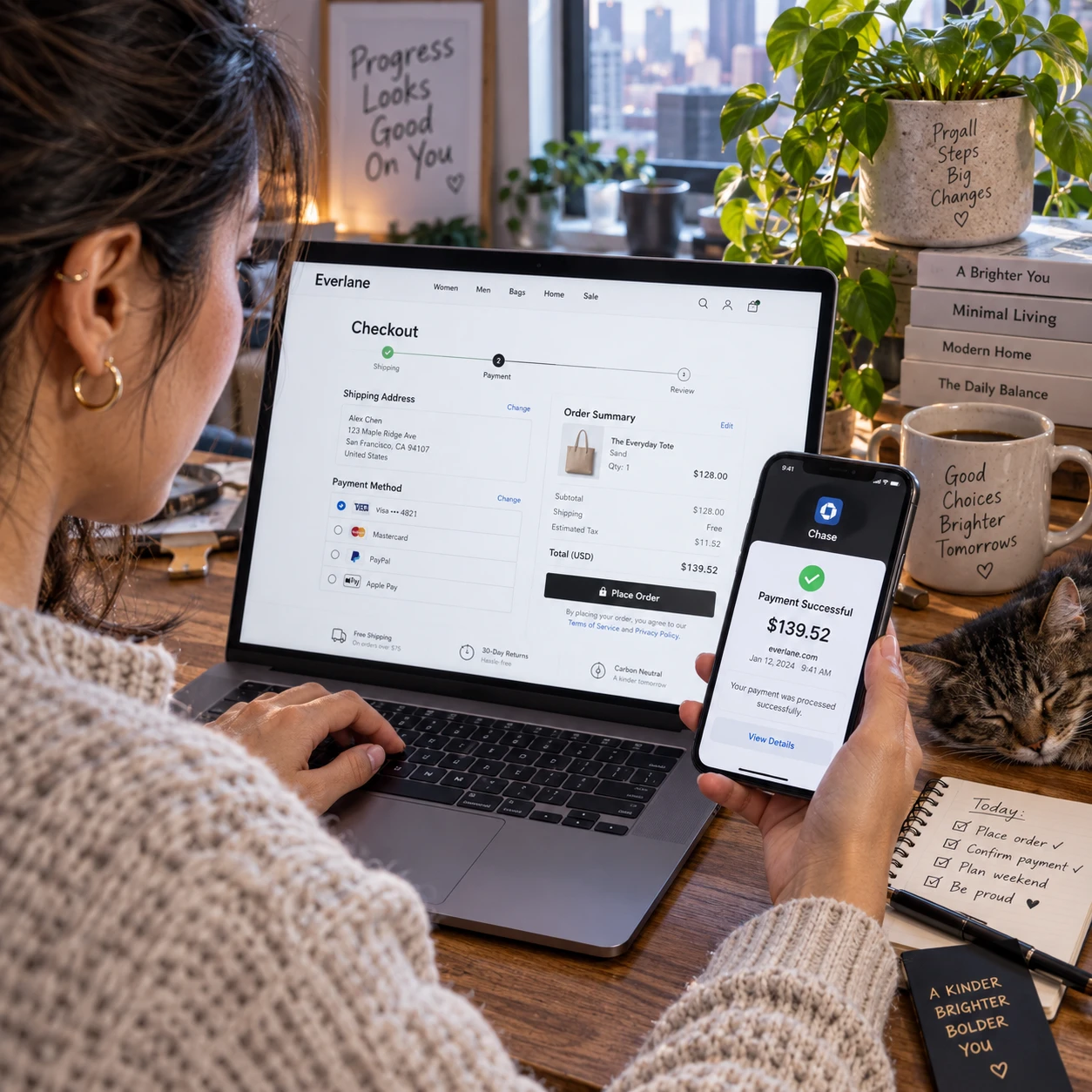
To pay safely online, verify the website and recipient, choose a payment method with appropriate protections, and check every detail before confirming. A brief pause at checkout can catch a wrong amount, unfamiliar payee, or suspicious request.
- Reach the merchant directly. Use a saved bookmark, official app, or address you enter yourself instead of following an unsolicited payment link.
- Confirm the recipient and amount. Check the merchant name, currency, total, delivery charges, and any recurring-payment terms. For a bank transfer, independently verify the account details and payee name.
- Choose a suitable payment method. Credit cards, debit cards, bank transfers, and digital wallets have different dispute processes and protections. A digital wallet may limit how much card information a seller sees, but it does not make a fraudulent seller trustworthy.
- Stay within the trusted checkout. For marketplace purchases, use the platform’s payment system if you want to retain any protections tied to it. Save the order confirmation and relevant messages.
- Review before approving. Read any bank or wallet confirmation carefully. Do not approve a request if the amount, payee, or reason differs from what you intended.
Credit cards may offer a chargeback or payment-dispute route for eligible transactions, while debit card outcomes and time limits vary by provider and location. A bank transfer can be difficult to recover once completed. Ask your bank or payment provider about the rules that apply before using a method for an unfamiliar seller.
Monitor payments and account activity
Turn on transaction alerts and check account activity regularly to spot unfamiliar payments early. Prompt reporting gives your bank or payment provider more time to secure the account and explain available options.
Enable alerts for card purchases, transfers, cash withdrawals, and changes to account settings where available. Review statements and digital wallet histories, not only email receipts. Small test transactions can be a warning sign, so report an unfamiliar charge even if the amount seems minor.
If a payment looks wrong, contact the provider using the number on your card or its official app or website. Avoid using a phone number or link in the message that notified you of the transaction. Ask whether the provider can freeze or replace a card, block a transfer, secure a wallet, or start a chargeback or payment dispute. Eligibility and deadlines depend on the payment type, provider, and circumstances.
Keep a simple record of dates, amounts, order numbers, and messages. It can help when you explain what happened, especially if you need to follow up on a dispute.
What to do if you think you’ve been scammed
If you think you have been scammed, contact your bank or payment provider immediately using an official channel. Then secure affected accounts, preserve evidence, and report the incident to the relevant authorities in your country.
- Call the provider promptly. Use the number on your card or the official app. Explain whether you shared card details, approved a payment, sent a transfer, or gave away a login code. Ask them to block further payments, freeze or replace affected cards, and review possible recovery or dispute steps.
- Change exposed credentials. If you entered a password on a suspicious site, change it through the genuine service and update any other account where you reused it. Turn on MFA and sign out of unfamiliar sessions if the service allows it.
- Keep evidence. Save messages, receipts, website addresses, transaction references, and screenshots. Do not delete correspondence before recording details that may help your provider or investigators.
- Report the incident. Contact your local consumer-protection or cybercrime reporting service where appropriate. Reporting can support an investigation, but it does not guarantee that money will be recovered.
Be cautious of anyone who contacts you claiming they can recover your money for an upfront fee. Recovery offers can be a second scam. Your bank or payment provider can explain the formal process for your transaction and what information they need.
Frequently asked questions
What should I do if I entered my card details on a suspicious website?
Contact the card issuer immediately using its official app or the number on your card. Ask whether to lock or replace the card, monitor pending transactions, and dispute any unauthorized charge. If you also entered a password, change it on the real service and anywhere else you reused it.
Can a bank transfer be reversed after a scam?
Sometimes a bank may be able to recall or stop a transfer, but there is no guarantee, especially after the funds have been withdrawn or moved. Contact your bank immediately, provide the payee and transaction details, and follow its fraud-reporting process. Rules differ by country, bank, and type of transfer.
Is it safer to pay online with a credit card or a debit card?
Neither is risk-free. Credit cards may offer dispute or chargeback options that differ from debit-card procedures, but protections vary by location, issuer, and transaction. Check your provider’s terms, use a secure checkout, and report suspicious payments quickly.
How can I tell if a payment link is legitimate?
Do not rely on the display name or logo. Check the full web address, then verify the request through the company’s official app, website, or a phone number you find independently. If the message is unexpected or pressures you to act, avoid the link and contact the sender through a trusted channel.